How to shoot a full collection in a weekend
A 120-piece drop, photographed on models and ready for the PDP by Monday. The three-day playbook for treating a weekend like a production line.
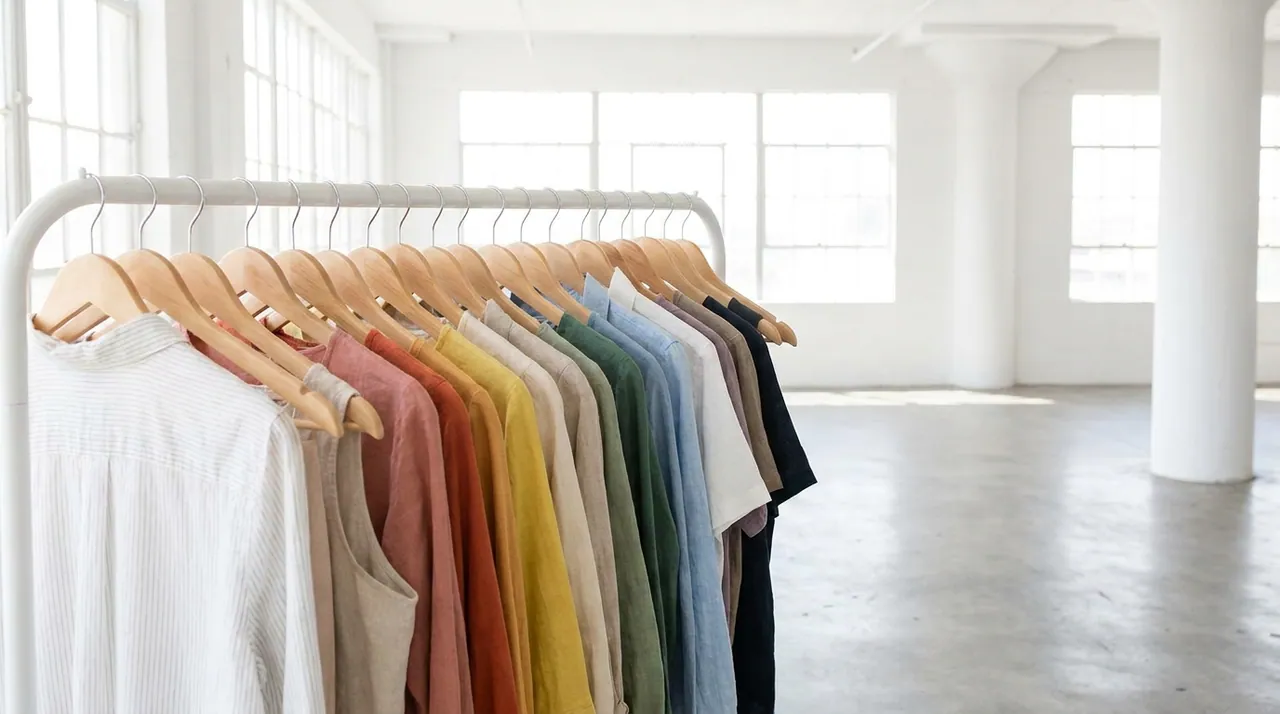
A 120-piece drop, photographed on models, ready for the PDP by Monday. Five years ago that sentence was a joke. In 2026 it's a weekend — if you treat the weekend like a production line instead of a photoshoot.
Here's the playbook we hand new teams. Three days, one collection, hundreds of on-model images.
Friday — capture clean inputs
The whole method rests on one thing: a clean flat shot of every SKU. Not styled, not on a model — just the product, honest and sharp. Piktor turns that flat shot into on-model imagery, so the quality of the input is the ceiling on the output.
Spend Friday shooting flats like a scanner, not an artist:
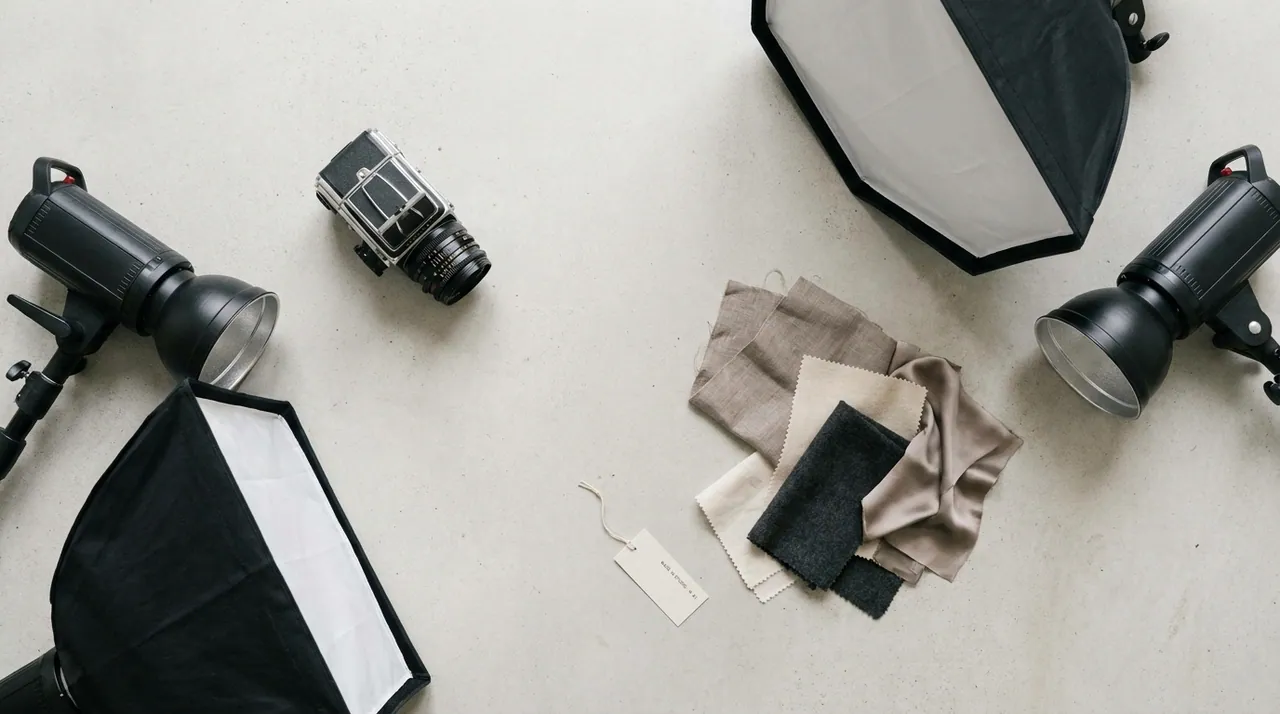
- Even, soft light. Kill harsh shadows; you want true edges and true color.
- True color. Shoot against neutral and get the color right in-camera — a garment that photographs slightly off will generate slightly off.
- Flat and wrinkle-free. Steam it. Lay it square. Ghost-mannequin shots work well for structured pieces.
- One clean frame per SKU. Name the file the SKU. Future-you will be grateful.
A two-person team can capture 120 flats in an afternoon. That's the hard part done.
Saturday — direct the models
Now the fun part, and the part that used to cost thousands. You're not booking anyone. You're directing.
For each SKU — or each group of similar SKUs — decide the look:
- Model. Pick the model that fits the customer you're selling to. Mix your roster so the collection feels cast, not cloned.
- Pose. Match the pose to the product: a relaxed three-quarter for drape, straight-on for graphics, a walking pose for outerwear movement.
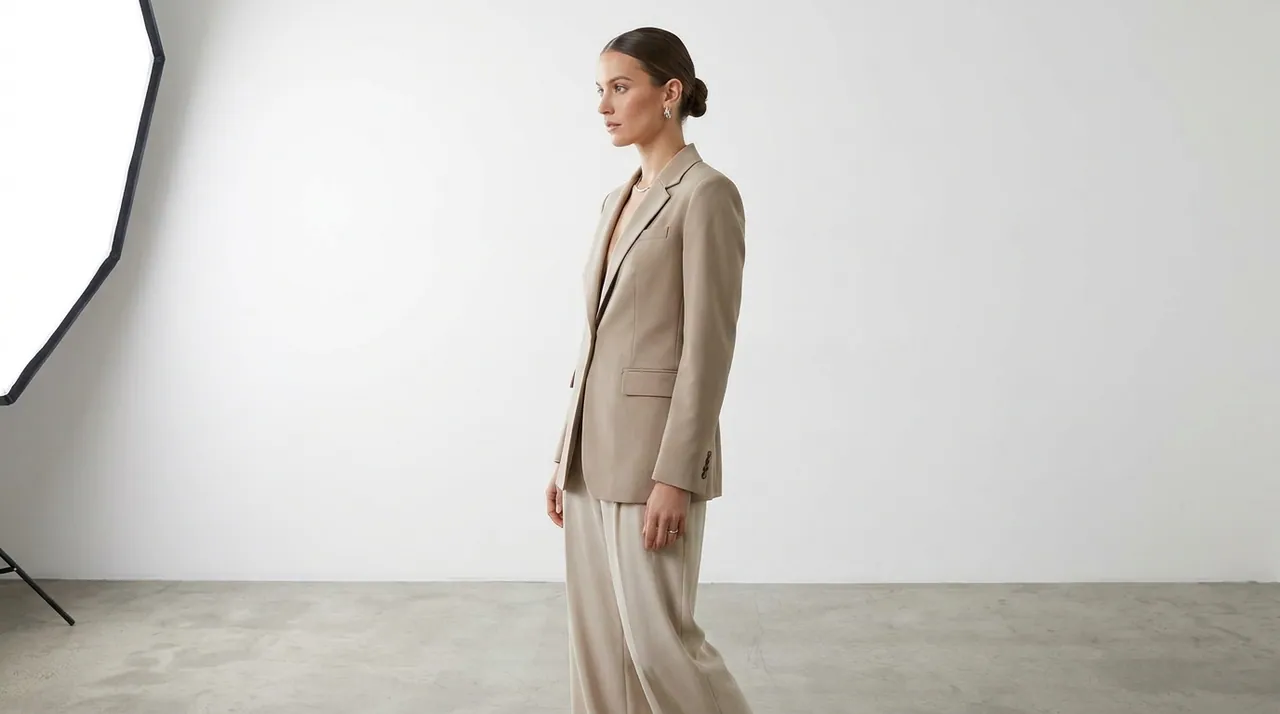
- Backdrop & light. Choose a seamless studio wall for a clean e-com look, or an environment for editorial. Keep it consistent within a category.
Then generate. Each on-model image lands in under 15 seconds, so you're working at the speed of decisions, not exposures. Batch the whole collection: 120 SKUs at three looks each is 360 images — and you'll have most of them by dinner.
The bottleneck stops being the camera and becomes your taste. That's exactly where you want the bottleneck to be.
Sunday — curate and export
Saturday is about volume; Sunday is about the edit.
- Cut hard. Generation is cheap, so keep only the frames that sell. Two great images beat six average ones on a PDP.
- Check the details. Confirm true color, that logos and prints read correctly, and that the fit looks honest. Regenerate anything that's off — it costs seconds.
- Export at 4K with clean masks, ready to drop straight onto product pages or into an ad set.
- Organize by SKU so handoff to the store and the ads team is a folder, not a scavenger hunt.
By Sunday night the collection is shot, curated and exported.
The math that makes it possible
The traditional version of this weekend is a three-to-six-week project and a five-figure invoice: roughly $45 per finished on-model image, times a few hundred images, plus the coordination around it.
The weekend version is a Friday of flats and two days at a laptop, at an effective cost from around $0.20 per image — about 98% cheaper — with the images in hand instead of on a calendar.
A quick checklist
- Clean, color-accurate flat for every SKU.
- Model roster mapped to your customer.
- Pose and backdrop rules per category.
- A ruthless edit — ship the best, drop the rest.
- 4K export, organized by SKU.
The shoot used to set the pace of the whole business. Now the collection is ready before the coffee's cold. Spend the time you save on the two things software can't do for you: the concept, and the edit.
More field notes
Turn your next flat shot into on-model imagery.
Start free — 10 images, no card. See what a shoot-free catalog actually looks like.