Put every product on a model, right from Shopify.
You already have the product photos in your store. Piktor syncs your Shopify catalog, turns each packshot into an on-model image in one click, and writes it back — no studio, no exports, no developer.
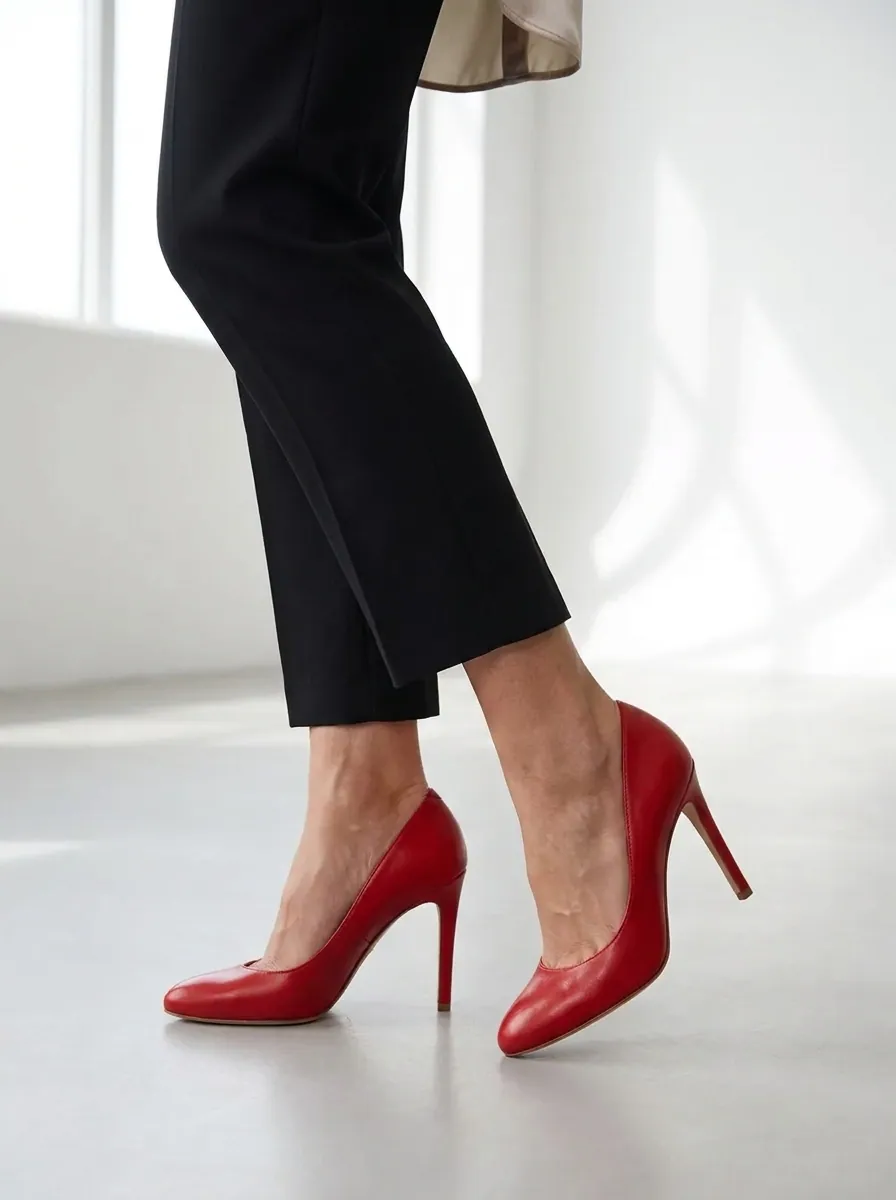
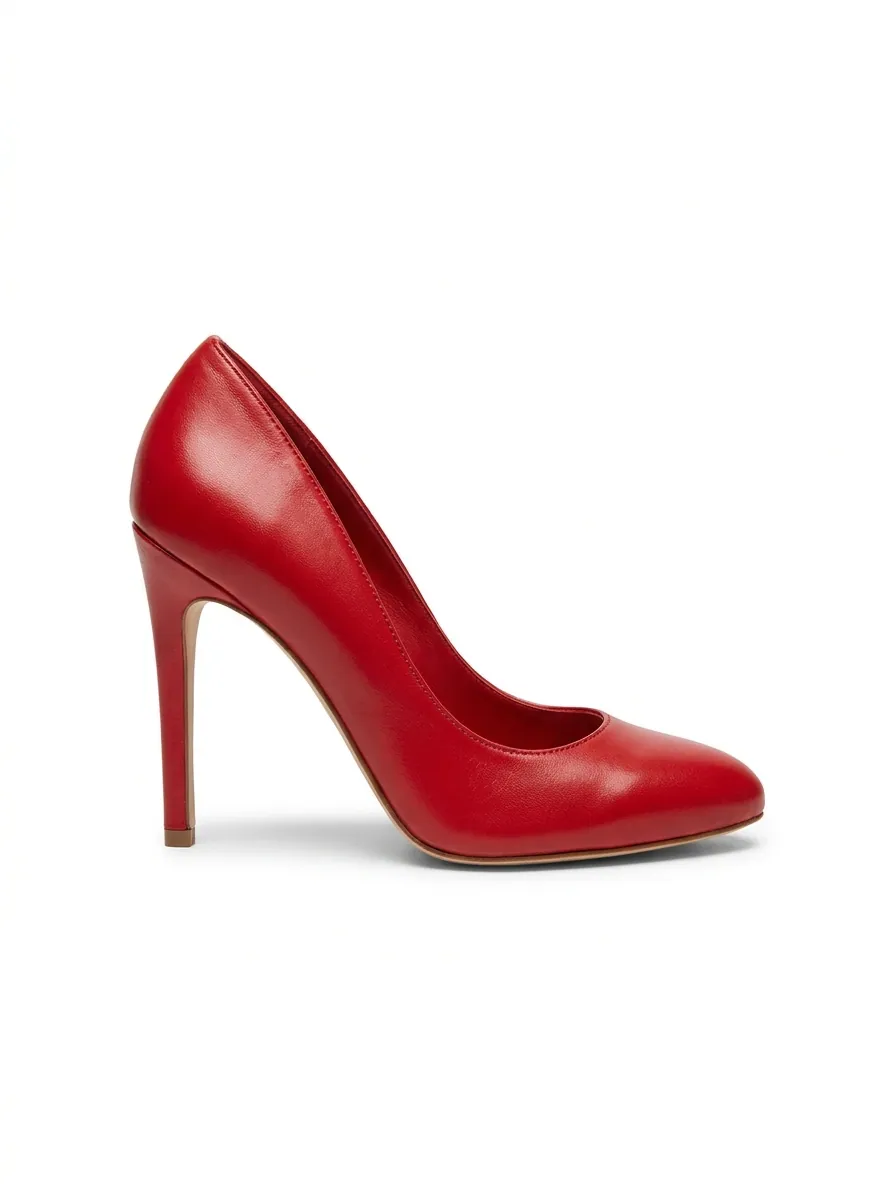
What it changes for you
Cut costs
Skip the ~$45-an-image studio day. On-model from ~$0.20 means even a small store can afford model shots on every product.
Launch faster
New products go on-model the moment you add them. Under 15 seconds an image — no shoot to schedule before you can launch.
Convert more
Shoppers buy what they can picture wearing. Add on-model shots to your PDPs and lift add-to-cart without touching your theme.
Stay on-brand
Pick a model and look that fit your store once, and every product you sync inherits it — a consistent storefront, automatically.
How it fits your workflow
Install, sync, click. Piktor works inside the store you already run.
Install the app
Add Piktor from your Shopify admin — no code, no developer, a few clicks to connect.
Sync your catalog
Your products and their photos pull in automatically, ready to work with in context.
Generate on-model
Open a product, pick a model and look, and get an on-model image in under 15 seconds.
Publish back to the PDP
Push the new image straight onto the product page — no exporting, uploading or re-cropping.
Numbers to take to the team
“I put my whole store on models in an evening — installed the app, synced the catalog, and every product page had a model shot by morning.”
Owner · Shopify apparel store
Built to fit your stack
Everything you need to go from install to on-model PDPs — without leaving Shopify.
One-click install
Add Piktor from the Shopify admin and connect your store in a few clicks — no code.
Catalog sync
Products and their images pull in automatically and stay in step with your store.
In-context generation
Work product by product inside your catalog — pick a look, generate, done.
Publish back to PDP
Write on-model images straight onto the product page — no manual export or upload.
Store-wide presets
Set one model and look and apply it across every product for a consistent storefront.
You own every image
Full commercial rights on everything you generate — no releases, licensing or royalties.
Questions, answered
Do I need a developer to install it?
No. Piktor installs from your Shopify admin in a few clicks and connects to your store — no code or developer required.
Does it sync with my existing products?
Yes. Your catalog and its photos pull in automatically, so you work from the products already in your store and stay in sync as you add more.
Can it put the image back on the product page?
It can. Generate an on-model shot and publish it straight to the PDP — no exporting, re-uploading or re-cropping.
How much does it cost per image?
On-model images start around $0.20 — roughly 98% less than a traditional studio shot — so model photography fits even a small store's budget.
Do I own the images I generate?
Yes, with full commercial rights — use them on your store, in ads, anywhere. No model releases or royalties.
Put your whole store on a model.
Start free with 10 images — install, sync and see your first PDP shot today.