On-model vs flat-lay: the conversion data
Same product, same traffic, same price — only the image changed. What happened to conversion when stores swapped flat-lay for on-model, and how to test it yourself.
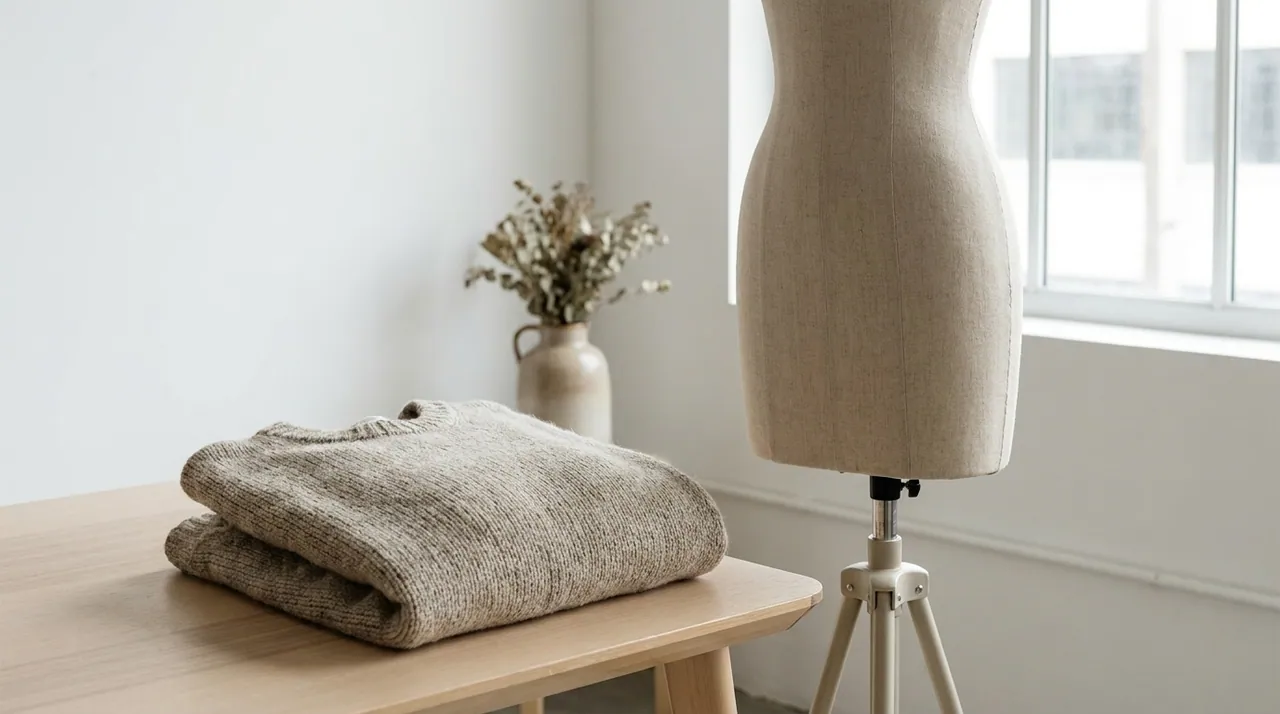
Everyone in ecommerce has an opinion about on-model versus flat-lay. We wanted numbers. So across a set of stores that switched their product pages from flat-lay to on-model imagery — same products, same traffic, same prices — we watched what conversion actually did.
The short version: on-model imagery lifted conversion by roughly 20–30%. Here's the longer version, and how to run the test yourself.
How the test was set up
The cleanest way to measure image impact is to change only the image. So the setup was deliberately boring:
- Same PDP — layout, copy, price and reviews untouched.
- Split traffic — visitors randomly saw either the flat-lay hero or an on-model hero for the same SKU.
- Same catalog depth — the on-model images were generated from the existing flat shots, so every SKU could be tested, not just the hero products.
That last point matters. Historically these tests only ran on a handful of bestsellers, because shooting the whole catalog on-model was too expensive. Generating on-model imagery from flats removed that limit — the test could cover the long tail, where most catalogs actually live.
What we saw
Aggregated across categories, the on-model variant won consistently:
- Conversion rate: +20–30% versus flat-lay on the same SKU.
- Add-to-cart: up meaningfully wherever conversion moved — shoppers engaged earlier, not only at checkout.
- Engagement: longer time on the on-model PDP and more image interactions before a decision.
The lift wasn't uniform, and the pattern in where it showed up is the interesting part.
Why on-model wins
A flat-lay answers what is it. An on-model image answers the questions that actually block a purchase:
- Fit and drape. How does the fabric fall on a body? Where does it sit? A flat shot can't say.
- Scale. Is that bag a clutch or a tote? Is the watch face bold or subtle? A model gives instant reference.
- Trust. On-model reads as "a real product a real person can wear," which lowers the perceived risk of buying online.
Every one of those is a reason a hesitant shopper leaves. On-model imagery answers them on the page, before the doubt turns into a bounce.
Flat-lay sells the product. On-model sells the decision to buy it.
Where the lift concentrated
The averages hide a useful pattern:
- Apparel saw the largest lift — fit and drape are hardest to imagine from a flat, so seeing them on a body moves the needle most.
- Footwear benefited from scale and styling context — a shoe on a foot, in a look, reads differently than a shoe on white.
- Watches, jewelry and bags gained on scale and aspiration — on-wrist, on-body and in-hand answer the "how big, how it feels" question a flat can't.
If your catalog skews to apparel, expect to land at the top of that 20–30% range.
The catch that used to matter — and doesn't now
There was always a catch: on-model was the expensive, slow option. A flat-lay was a scanner and an afternoon; on-model was a shoot, a crew and 3–6 weeks. So most stores ran on-model on their heroes and flat-lay everywhere else — and left the long-tail lift on the table.
That trade-off is gone. On-model imagery now comes from the same flat shot you already have, in under 15 seconds, at roughly 98% less than a shoot. The question stops being "can we afford on-model for this SKU" and becomes "why is anything still flat-lay."
How to run your own test
You don't have to take an aggregate on faith. Test your own catalog:
- Pick 20–50 SKUs with enough traffic to reach significance.
- Generate an on-model hero for each, from its existing flat shot.
- Split traffic 50/50, flat-lay versus on-model, and change nothing else.
- Run it two to four weeks and read conversion, add-to-cart and return rate together.
Most teams see the pattern inside the first fortnight. Then the only decision left is how fast to roll it across the rest of the catalog — which, now that the image is a generation and not a shoot, is a decision you can act on the same week.
More field notes
Turn your next flat shot into on-model imagery.
Start free — 10 images, no card. See what a shoot-free catalog actually looks like.